Get AlloyAudio
Every feature, free for 90 days. If you like it, buy it once. For Mac (macOS 14.2 or later, Apple silicon), with a Windows test build to try.
macOS 14.2+ · Apple silicon
AlloyAudio for Mac
90-day free trial, then a licence key.
$39 one-time, after the free trial
Install on a Mac
- Open the downloaded disk image and drag AlloyAudio into Applications.
- Open AlloyAudio. This test build is not notarized by Apple yet, so macOS blocks it the first time.
- Open System Settings › Privacy & Security, scroll down and choose Open Anyway.
- When macOS asks, allow System Audio Recording for AlloyAudio. It asks once.
- Leave System Settings › Sound › Output on your Mac's own speakers. AlloyAudio picks up each app there and sends it to the speaker you choose (how setup works).
- The trial starts the first time AlloyAudio runs. Everything works during it.
- When it ends, routing turns off until you enter a licence key. Your settings are kept.
Windows 11 · x64 · test build
AlloyAudio for Windows
90-day free trial. A test build, not a finished release.
Free for 90 days
Install on Windows
- Unzip the download. It is a ZIP file, not an installer.
- Run AlloyAudio.Win.exe.
- It is not code-signed yet, so Windows shows “Windows protected your PC”: choose More info, then Run anyway.
- The trial starts the first time AlloyAudio runs. Everything works during it.
- After 90 days, routing locks until a licence is entered, and every app plays where Windows sends it. Your settings are kept. Licence keys for Windows are not on sale yet.
Tested so far only in a Windows 11 virtual machine on an ARM computer, where this x64 build runs through emulation; not yet on a real Windows PC or Windows 10. SHA-256: f943bd053165aaa0ce765ad20cdfbab08a079e12c751431b5a7a4261d7a630ee
What it looks like
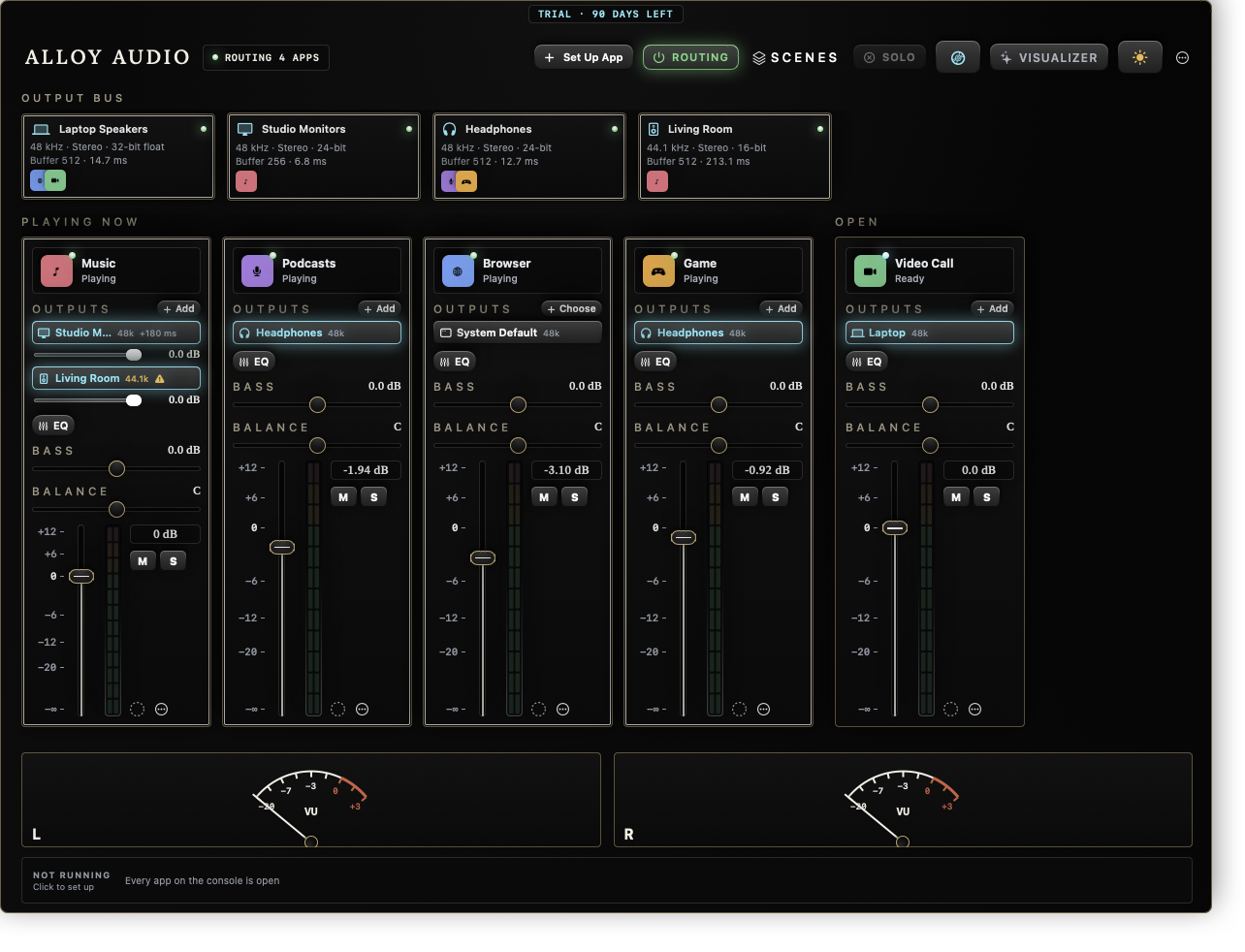
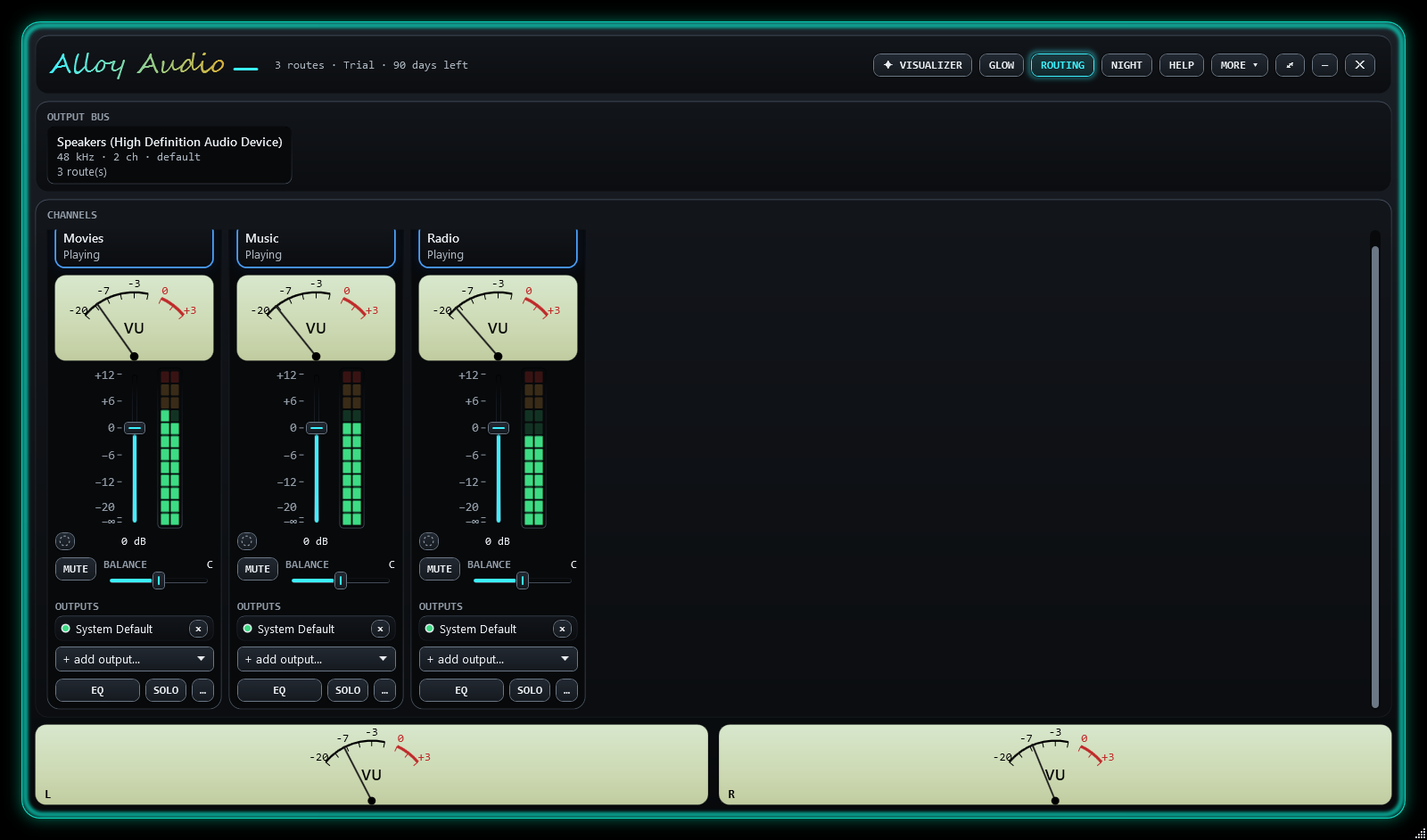
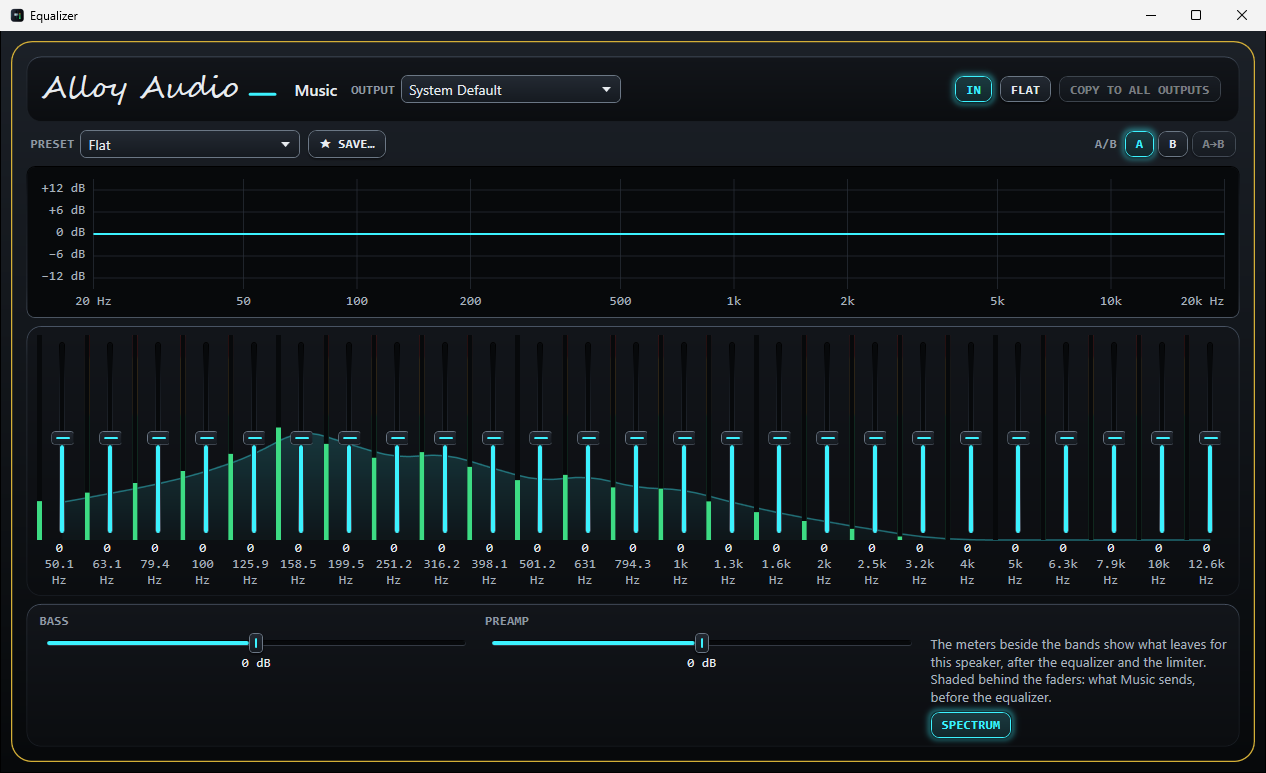
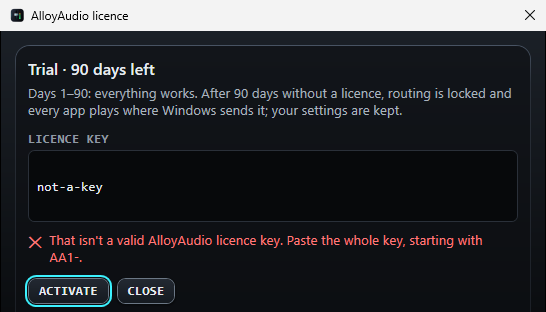
The Mac picture is drawn by AlloyAudio itself with sample apps and speakers. The Windows pictures are real screenshots of this download, run 20261125.18, taken in the Windows 11 virtual machine it was tested in. The sources are test apps named Movies, Music and Radio.
System requirements
- macOS 14.2 or later. AlloyAudio uses Apple's Core Audio process taps, introduced in macOS 14.2.
- A Mac with Apple silicon.
- One permission: “System Audio Recording”. No driver, nothing else to install.
- Windows 11, 64-bit (x64 build).
- Tested in a Windows 11 virtual machine so far.
- No driver, nothing else to install: unzip and run.
Internet: the direct download goes online only for the trial and licence check. What is sent.
Licence FAQ
How do I activate my licence key?
In AlloyAudio, open the … menu on the console (or the AlloyAudio menu) and choose Licence…. Paste the key from your email and click Activate. If the Mac is offline, the key is accepted and this Mac is activated the next time AlloyAudio reaches the licence server.
How many Macs can I use one licence on?
One licence per Mac. A licence is tied to the Mac it is first activated on; a new Mac needs a new licence. Reinstalling on the same Mac is always free — activating the same key on the same Mac again always works. If AlloyAudio says the key belongs to another Mac, that Mac is a different one.
I have a new Mac. How do I move my licence?
A licence can't be moved by yourself in the app — it's tied to the Mac it was first activated on for good, and Remove Licence from This Mac only removes it locally, it does not free it for another Mac. Send a message through the contact form with your licence key and which Mac you want it on, and we will move it for you.
What happens when the free trial ends?
Routing turns off: every app plays where macOS sends it, as when routing is paused. The console stays open with Buy AlloyAudio and Enter Licence Key, and your settings are kept, so everything is back the moment you activate a key.
Is it a subscription?
No. You pay $39 once. There is no AlloyAudio account.
What does the licence check send?
Only a hashed machine ID (your Mac's actual identifier is never sent) and, when you activate, deactivate or the app re-checks at most once every 7 days, the licence key. Never audio, app names or settings. The full details are in the privacy policy.
Anything else? Contact support.