

Per-app audio routing for Mac
Every app on your Mac, on the speaker you choose.
Spotify to the living-room speaker, a call to your headset, a game to the monitor, all at the same time, with a 25-band equaliser per app.
- Mac macos 14.2 or later, apple silicon
- Windows windows, 64-bit (tested in a windows 11 vm only); 90-day test build to download now
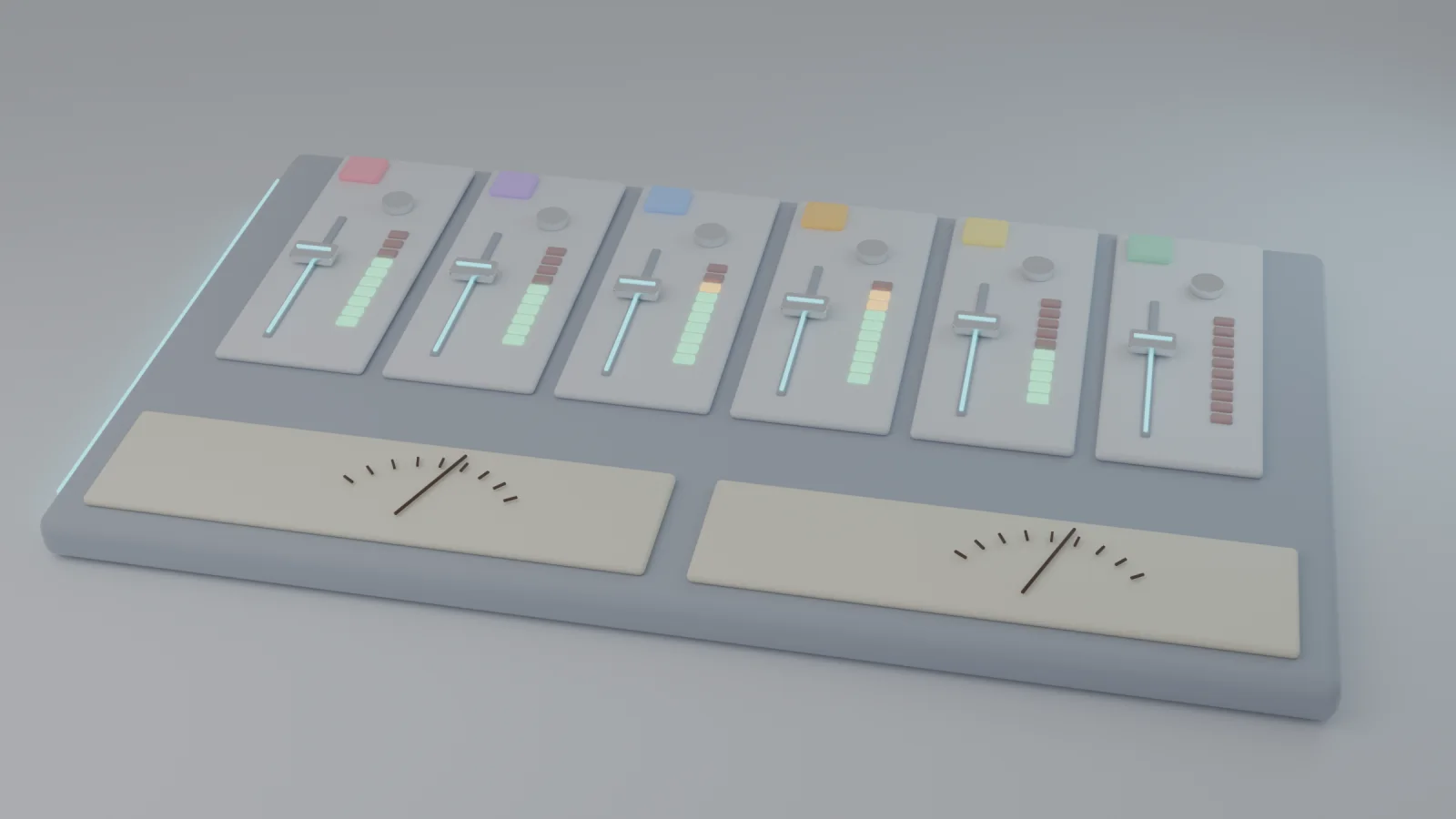
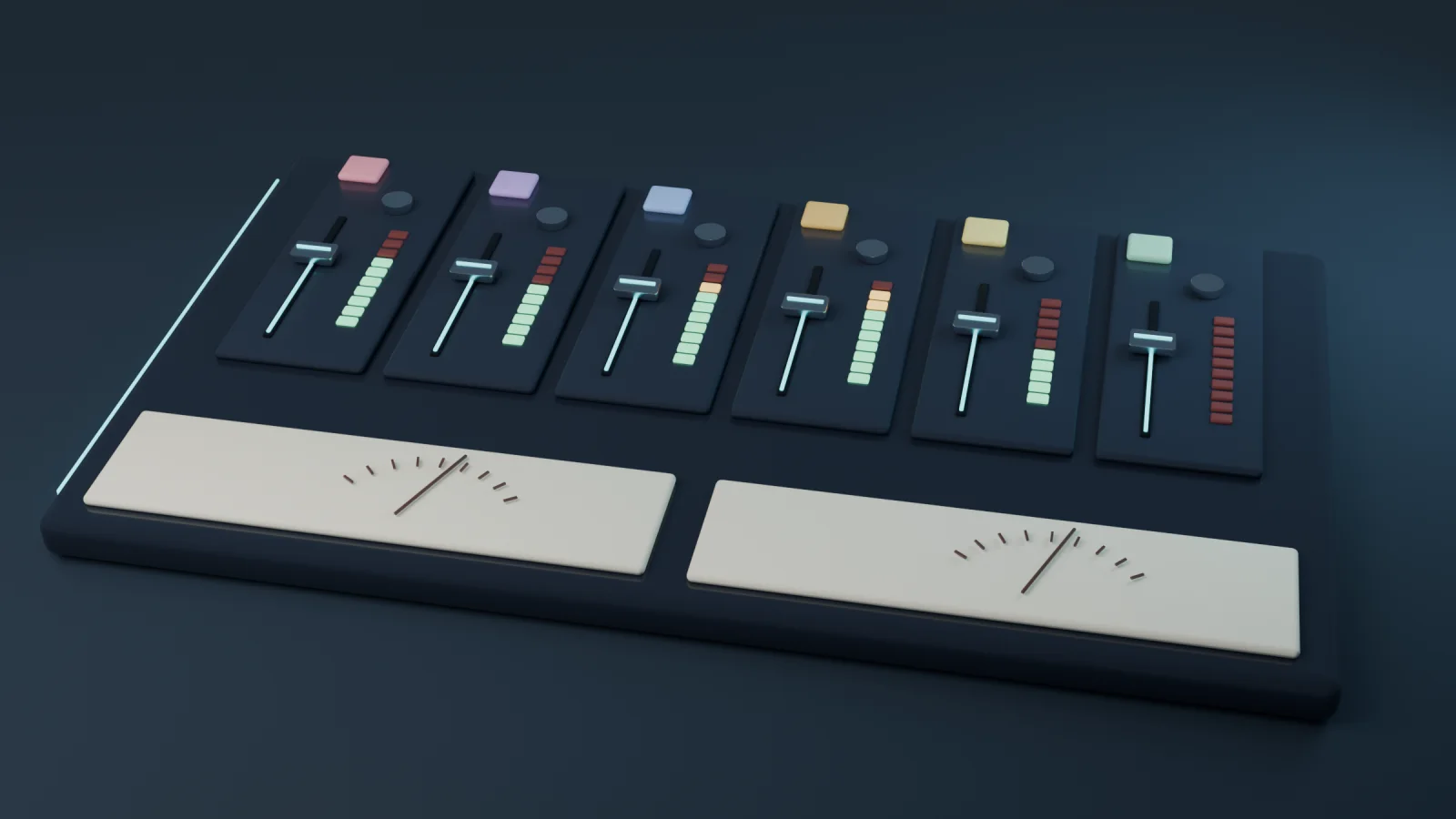
The console
See it work
Watch the console choose a speaker, tune the EQ and save a scene, one click at a time. This is an illustration of the interface, not a screenshot.
- Click Choose
- Tick Headphones
- Click Choose again
- Tick Living Room too
- Open the EQ
- Pick the Bass preset
- Drag a band up or down
- Open Scenes
- Save the scene
- Click S to solo Game
Made for every sound
Mics, headphones, speakers, guitars and keys all sound better on the right output.
At a glance
What it is, who it is for, and why it is not out yet
What it is
A Mac app that sends each app's sound to the speaker or headset you choose, with its own 25-band equaliser.
Who it is for
Mac users with more than one speaker or headset who want music, calls and games on different outputs at the same time.
Why not yet
getFreshApps ships one app at a time, and only when it is finished. AlloySIP is out now. AlloyAudio is in development for Mac and is released when it passes its release checks.
Features
A mixing desk for every app on your Mac
A floating console with a channel strip, outputs, equaliser, bass and fader for each app. AlloyAudio is in development; this is what it is built to do.
Per-app output
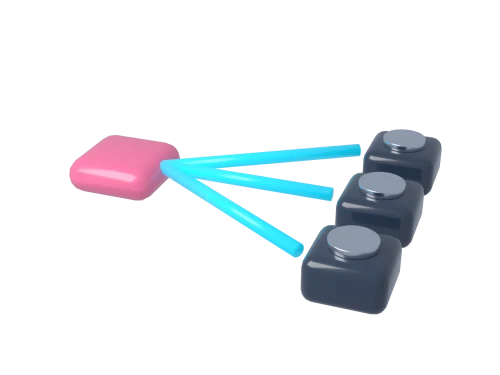
Choose the speaker for each app, and send one app to up to four speakers at once. Several apps can share one speaker; macOS mixes them.
- outputs per app
- up to 4
- EQ bands
- 25, ISO one-third-octave, 50 Hz to 12.5 kHz
- EQ range
- ±12 dB per band, 0.5 dB steps
- bass shelf
- ±12 dB at 100 Hz
- boost
- up to +12 dB with a soft limiter

25-band equaliser, per app
A graphic EQ with preamp, bypass and a live response curve. Presets: Voice, Dance, Game, Bass, Treble, Rock, Pop, Classical, Loudness.

Presets ahead of time
Set an app's speaker before it is even open. It is built to switch by itself when the app starts playing. Drop an app from Finder onto a speaker to connect it.
Menu-bar mixer and shortcuts
Every playing app's volume from the menu bar. Global shortcuts to pause routing, open the console and show Now Playing.
Pause in one click
Pause routing and every app returns to where macOS sends it. Your choices are kept.
No drivers. Nothing else to install.
No driver, no kernel extension, no system audio plug-in. AlloyAudio uses Apple's own Core Audio process taps, introduced in macOS 14.2. The app is the whole install.
Safe by design
Designed so that if AlloyAudio stops, your apps play on their usual speakers again. It never changes the system output or any device volume.
Privacy
Your sound stays on your Mac
What it does with your audio
macOS asks once to allow "System Audio Recording" for AlloyAudio. That is how it picks up an app's sound to play it on another speaker, and that is all it does with it. Audio never leaves the Mac. Nothing is recorded to disk. No analytics, no account.
Network use
The Mac App Store build has no network use of its own. The direct-download build contacts our licence server only for the trial and licence check: a hashed machine ID at first launch, and the licence key on activation, deactivation and a re-check at most every 7 days. No e-mail address is stored.
Honest limits
What it cannot do yet
- Safari cannot be routed separately yet.
Safari and Safari web apps play through a shared macOS service. Chrome, Firefox, Edge, Brave and Arc work: route the browser.
- Speakers are not time-aligned.
The same app on two speakers in one room can echo, and Bluetooth adds delay.
- Bluetooth headsets in call mode.
They run at low sample rates, so the top EQ bands are skipped.
- Apps launched before AlloyAudio
may need one restart before they can be routed.
Pricing
Try it free, then buy it once
Pricing coming soon. AlloyAudio is planned as a one-time purchase with a free trial. The price is set and shown in full before launch. 7-day free trial planned.
Planned: a direct-download licence tied to the Mac it is first activated on (reinstalling on the same Mac is always free), and a Mac App Store version that follows Apple's own rules.
Windows test build
Try AlloyAudio for Windows free for 90 days
A test build, not a finished release. It routes each Windows app's sound to the output you choose.
What you get
AlloyAudio 0.2.0 for 64-bit Windows, as a zip file of about 93 MB. Unzip it and run AlloyAudio. There is no installer yet.
What is tested
This file builds with no warnings or errors and passes its automatic checks. In a Windows 11 virtual machine on an ARM computer it routed an app's sound and put the sound back when it closed. The 90 days and the lock after them are checked by tests, not waited out.
What is not tested yet
Windows 10, and Intel or AMD PCs. Listening by ear on a real PC with real speakers. The file is not code-signed, so Windows warns that the publisher is unknown.
How the licence works
- The download is a trial.
Every feature works for 90 days from the first start. After that, routing stops and every app plays where Windows sends it. Your settings are kept.
- A licence is needed after the trial.
A key is for one computer and does not move to another. It is entered in the app's Licence window.
- Keys are not on sale yet.
This test build cannot accept a key yet, and no price is set. Both are shown here before anything is sold.
- Mac and Windows are separate.
The Mac version has its own 7-day trial and its own key.
Get AlloyAudio
Not released yet
Planned for macOS 14.2 or later on a Mac with Apple silicon. Download links go live when the app passes its release checks.
| Platform | Status | Requirements |
|---|---|---|
| Mac | In development | macOS 14.2 or later, Apple silicon |
| Windows | In development | Windows, 64-bit (tested in a Windows 11 VM only); 90-day test build to download now |
The next step is to ask us to tell you. Nothing is sold here today.